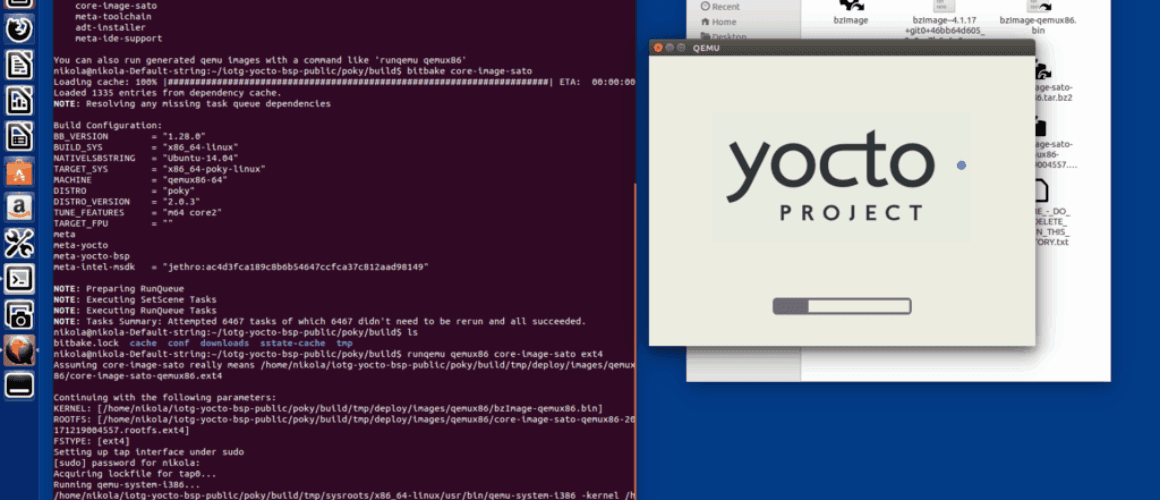
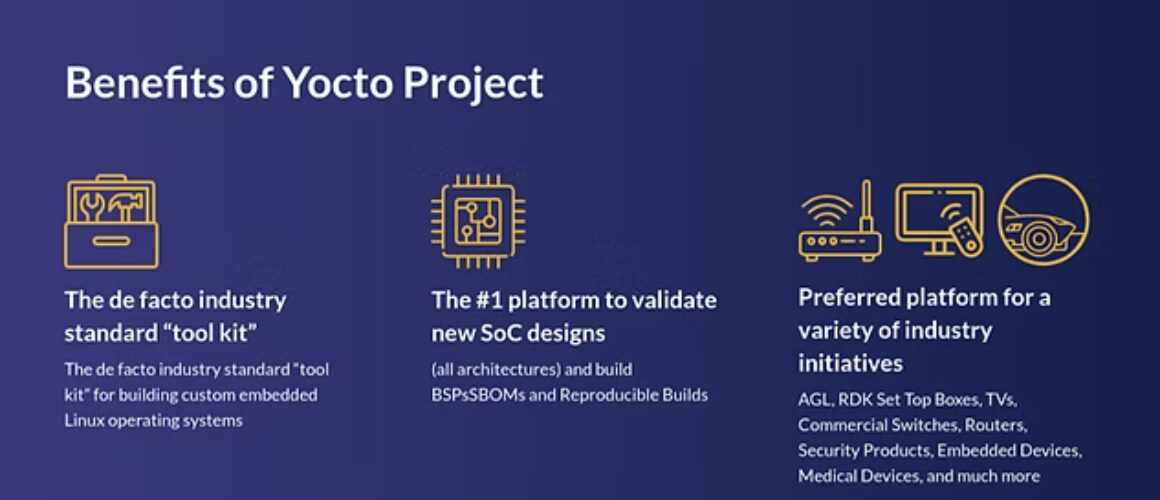
If you’re working on embedded Linux projects and need a lightweight, efficient way to integrate LVGL into your system, you’ll be happy to know that we’ve written a comprehensive guide that has been merged into the official LVGL documentation to assist you.
Buildroot philosophy
Buildroot is designed with a keep it simple philosophy, focusing on generating small, efficient, and easily reproducible embedded Linux systems.
Unlike more complex build systems, Buildroot does not use a traditional package management system. Instead, it rebuilds selected components from source as needed, ensuring a clean and controlled environment.
Its configuration system is inspired by the Linux kernel’s menuconfig, allowing developers to easily select packages and customize their system with minimal overhead. The objective is to provide a fast, deterministic, and low-maintenance way to build embedded Linux images, making it an excellent choice for projects where simplicity and quick iteration matter.
Why Use Buildroot Instead of a Yocto Recipe?
While Yocto is a powerful tool for creating custom Linux distributions, Buildroot offers a simpler and more lightweight approach, making it ideal for many embedded projects. Here are some advantages.
Faster build times: Buildroot uses a straightforward dependency system, avoiding the complexity of Yocto’s layers and recipes.
Easy to configure: No need to dive into bitbake and complex metadata; just tweak a simple configuration file.
Minimal system footprint: Buildroot produces leaner images, making it great for resource-constrained devices.
Simpler learning curve: Developers new to embedded Linux will find Buildroot easier to grasp than Yocto.
Getting started with LVGL in Buildroot
While there is no official LVGL package in Buildroot, the LVGL documentation provides a complete guide on how to build a Buildroot-based system and integrate LVGL into your project. The guide includes an example using the Raspberry Pi 4, but the same approach can be applied to other platforms.
The process involves: 1️⃣ Building a Buildroot system: Configuring and generating a minimal embedded Linux image tailored for your hardware. 2️⃣ Using the generated SDK: Cross-compiling your LVGL application with the Buildroot-provided toolchain. 3️⃣ Embedding the application: Leveraging a rootfs overlay to easily include your compiled application in the final root filesystem.
Check out the official LVGL Buildroot documentation for a step-by-step guide here.
If you’re already using Buildroot or considering it for your next project, give LVGL a try and let us know how it works for you! 🚀
What are your thoughts on using Buildroot for LVGL vs. Yocto? Let’s discuss!
Last week, I had to work on a project that is using the Renesas RA8D1 ‘Graphics micro controller’.
The use of the e2studio IDE is required in this project – so I’ve installed it with latest FSP included and read the documentation on how use to use it.
The next step was creating a Renesas account, after the successful installation on the first launch of e2studio it prompted me to login – And it failed with some “crypto error”, didn’t spend too much time figuring out what went wrong.
To be honest, I was expecting a subpar experience because one of my colleagues had issues with running e2studio on Ubuntu 22.04, it was mostly crashing for no apparent reason.
I am using the same version of Ubuntu, but a couple of months ago I’ve switched to a different graphical environment, and I did of course experience some crashes when using e2studio – but much less often.
Due to the complexity of desktop software, there could be many reasons to this observation. Maybe he has using a slightly older version of e2studio from a couple of months ago.
Searching ‘Wayland + eclipse + crash’ on google yields a lot of results – Wayland support is an ongoing effort for Java applications
The story took a sad turn when I really needed to use JLinkRTTViewer and realized – it only has support for X11…
Indeed, when I compiled the graphical environment I was lazy and couldn’t be bothered including Xwayland support.
So I can not run X11 applications. I will have to re-configure and recompile it with Xwayland support enabled – stuff that is typically done on the weekend if the weather is bad and there is nothing more interesting to do 😀
But I had to get work done right then and there. 😅 To get around this road block in a quick manner, I’ve just installed Xfce4 and logged in.
Trying out e2studio in Xfce4 was a very pleasant experience, it feels much more responsive and it hasn’t crashed even once.
There is a J-Link progress bar that appears when flashing – that I didn’t see when my colleague used e2studio on Ubuntu 22.04
The moral of the story is that from now on I will use the Xfce4 an X11 desktop environment when working on STM or Renesas projects. For me, X11 is not going away anytime soon.
So you just received a Nordic board for your next project. First thing you do is to open the documentation to see how to setup a project for your board (at least it should be the first thing to do!). Then you quickly realize that in the Nordic world, you have two main ways of managing the environment and your development:
So why would you choose one over the other? First it may be a matter of habits. Maybe you absolutely despise VSCode and never want to ever touch it, maybe downloading yet another GUI app to manage you development is the last straw for you. The good news is that you can use one or the other for almost all your tasks:
Manage your SDKs & toolchains
Flash/erase/recover the board
Monitor the board serial output on a console
Configure the DTS
But not everything can be done by the nRF Connect for Desktop. The nRF Connect for Desktop has no way to let you write and build your applications. The build can be done using the CLI tools offered by Nordic (nrfutils, west, …).
On the other hand, the VSCode extension allows you to build your project as well as managing your build configurations for your applications. It also hide the build commands under some Tasks linked to your build configuration to help you concentrate on the coding part.
My take on this is that the VSCode extension is becoming more and more robust and features complete. It shows by Nordic pushing to use the VSCode extension in their user guides/doc.
For having used theses two in my projects, I think the VSCode extension is overall the best choice, as it really is an all-in-one solution, actively maintained and developed by Nordic.
Here is my pro and cons for each one.
VSCode Extension Pack:
✅ All-in-one development kit
✅ Integrates in the VSCode ecosystem
✅ Heavily maintained
❌ Hide the build details and how the underlying build system works
❌ Can sometimes be buggy
nRF Connect for Desktop:
✅ Very easy to use
✅ Clear roles of the different applications
✅ Integrated updater
❌ Must compile your code aside
❌ Standalone GUI application
In the end, it is mainly a matter of preference and usage. For example I really like the build configurations management of the VSCode extension Pack as well as its powerful build tasks, but I always use the Serial Monitor of the nRF Connect for Desktop to monitor my board output to have a nice view in another window. As for everything, the correct usage of a tool is the usage you are comfortable with the most!
Yocto is a powerful distro and build system environment.It enables developers to build a complete distribution from scratch, allowing full customization of the root filesystem’s content. Widely used in embedded systems development, Yocto provides a structured framework for package management and system customization. By defining recipes, the build system automatically downloads the required packages based on configuration settings and generates an image that can be easily deployed to the target device.
Yocto’s Evolution
Since its launch in 2010, Yocto has undergone significant development. The environment is built on BitBake, which was created in 2003 and serves as the build system’s core engine. Primarily developed in Python, BitBake was initially part of the OpenEmbedded project, where a vast collection of recipes and functions were developed.
Yocto, which builds upon OpenEmbedded, has introduced additional tools, scripts, and package-building functionalities to accommodate a broad range of Linux-based embedded systems. Finally, an additional layer of recipes and functions is provided through Poky, which constitutes a “true” distribution (often referred to simply as “Yocto”).
The Yocto Learning Curve
Mastering the Yocto ecosystem requires a considerable effort. The sheer number of predefined variables can be overwhelming, discouraging some developers. However, Yocto remains an essential tool for production environments with a large number of deployed devices. It provides effective version control for both software and hardware components, making it a go-to solution for long-term embedded projects.
Buildroot: A Simpler Alternative
In contrast, Buildroot (2001) offers a much simpler alternative, following a monolithic approach primarily based on Makefiles. While it achieves similar goals to Yocto, it is more limited in flexibility but easier to use and leads to significantly shorter build times, typically around 45 minutes, compared to 2+ hours for Yocto (depending on hardware capabilities).
A New Approach: InfraBase (IB)
At EDGEMTech, we sought to combine the power of BitBake and its highly modular recipe-based approach with the ability to integrate prebuilt packages within the BitBake ecosystem. This vision stems from years of experience in R&D projects and the embedded Linux environment, where the typical stack consists of:
A bootloader like U-Boot
The Linux kernel
The root filesystem
A set of user-space applications
As shown in the diagram below, additional components, such as a hypervisor and one or more guest operating systems, can also be part of the system architecture.
Typical embedded software architecture
QEMU is widely used for target emulation, providing a powerful debugging environment. Given the complexity of different targets, it is crucial to support multiple configurations.
We call this new approach InfraBase (IB). The diagram below illustrates the distinction between Yocto and IB.
IB embraces all core concepts of Yocto while extending its capabilities. It allows the build system to interface not only with Buildroot but also with debootstrap or any other build system.
Structurally, IB consists of a build/ directory, which contains all meta-layers, configurations, and classes, while maintaining a standard filesystem hierarchy with bootloader, kernel, root filesystem, applications, QEMU, and more. It efficiently manages files using symbolic links or direct copies from BitBake-generated elements.
InfraBase: Open Source Release Coming Soon!
We’d love to hear about your needs and your opinion of Yocto. We look forward to hearing from you!
We will soon release InfraBase as an open-source project in collaboration with HEIG-VD. Stay tuned! 🚀
To provide the best experiences, we use technologies like cookies to store and/or access device information. Consenting to these technologies will allow us to process data such as browsing behavior or unique IDs on this site. Not consenting or withdrawing consent, may adversely affect certain features and functions.
Functional
Always active
The technical storage or access is strictly necessary for the legitimate purpose of enabling the use of a specific service explicitly requested by the subscriber or user, or for the sole purpose of carrying out the transmission of a communication over an electronic communications network.
Preferences
The technical storage or access is necessary for the legitimate purpose of storing preferences that are not requested by the subscriber or user.
Statistics
The technical storage or access that is used exclusively for statistical purposes.The technical storage or access that is used exclusively for anonymous statistical purposes. Without a subpoena, voluntary compliance on the part of your Internet Service Provider, or additional records from a third party, information stored or retrieved for this purpose alone cannot usually be used to identify you.
Marketing
The technical storage or access is required to create user profiles to send advertising, or to track the user on a website or across several websites for similar marketing purposes.